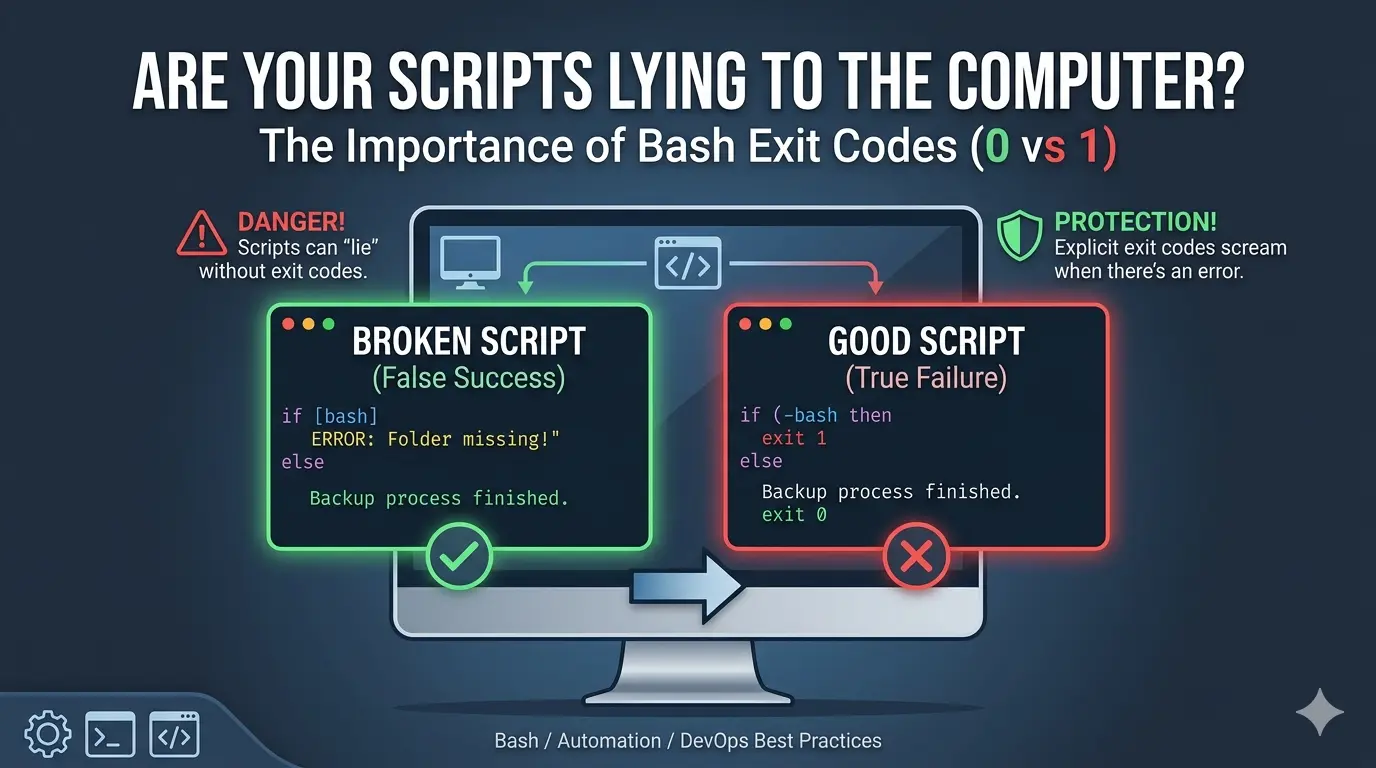
To see why exit 1 and exit 0 are so important, we have to look at what happens when a script lies to the computer.
If you omit them, Bash simply reports the exit status of the very last command that ran. This can lead to a “False Success.”
1. The “Broken” Script (No Exit Codes)
Save this as broken_backup.sh. Notice there is no exit 1.
Bash
#!/bin/bash

# We pretend to check for a folder that DOES NOT exist
if [ ! -d "/folder/does/not/exist" ]; then
    echo "ERROR: Folder missing!"
    # We forgot to write 'exit 1' here!
fi

# This is the last command. It will always succeed.
echo "Backup process finished."
2. The “Good” Script (With Exit Codes)
Save this as good_backup.sh.
Bash
#!/bin/bash

if [ ! -d "/folder/does/not/exist" ]; then
    echo "ERROR: Folder missing!"
    exit 1  # Stop and report failure
fi

echo "Backup process finished."
exit 0
3. How to Test Them (The “Truth” Test)
Run these commands in your terminal one after the other. We will use the && operator, which only runs the second command if the first one reports Success (0).
Testing the Broken Script:
Bash
bash broken_backup.sh && echo "THE COMPUTER THINKS WE SUCCEEDED! ✅"Result: Even though the script printed “ERROR,” the computer saw the final echo succeeded, so it ran the “SUCCEEDED” message. This is dangerous because a backup could fail and you wouldn’t know!
Testing the Good Script:
Bash
bash good_backup.sh && echo "THE COMPUTER THINKS WE SUCCEEDED! ✅" || echo "THE COMPUTER DETECTED THE FAILURE! ❌"Result: The script stops at exit 1. The computer sees the 1, skips the && part, and triggers the || (failure) part.
Here are the results as copied from my terminal:
fakhri@ThinkAct:~/Documents/LibreWriter/scripts$ ./badtestexit.sh
ERROR: Folder missing!
Backup process finished.
fakhri@ThinkAct:~/Documents/LibreWriter/scripts$ ./goodtestexit.sh
ERROR: Folder missing!
Why this matters in the real world
Imagine you have a script that:
- Deletes your old files.
- Copies your new files (The Backup).
- Cleans up the temporary folder.
If Step 2 (The Backup) fails because the disk is full, but you didn’t write exit 1, the script will continue to Step 3 and delete your only remaining copies, thinking everything is fine!
Summary: * With exit 1: The script “screams” when there is a problem.
- Without it: The script “whispers” an error but smiles at the computer, pretending everything is perfect.
Note: about the use of “bash” at the start of the command below:
bash good_backup.sh && echo "THE COMPUTER THINKS WE SUCCEEDED! ✅" || echo "THE COMPUTER DETECTED THE FAILURE! ❌"
1. Manual Interpreter: Typing bash before your filename manually tells the system to use the Bash program to translate and run your script’s code.
2. Bypasses Permissions: It allows you to execute a script immediately without needing to set “executable” permissions via chmod +x.
3. Ensures Compatibility: It guarantees the script runs in the full Bash environment rather than a limited shell (like sh) that might misunderstand your syntax.
4. Testing Logic: It is the most reliable way to test if your exit 0 and exit 1 codes are working correctly before finalizing the script for automation.
Leave a Reply